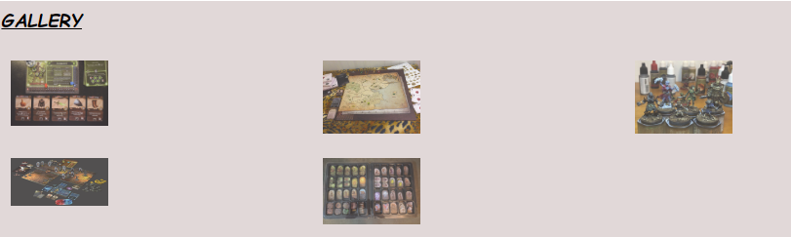
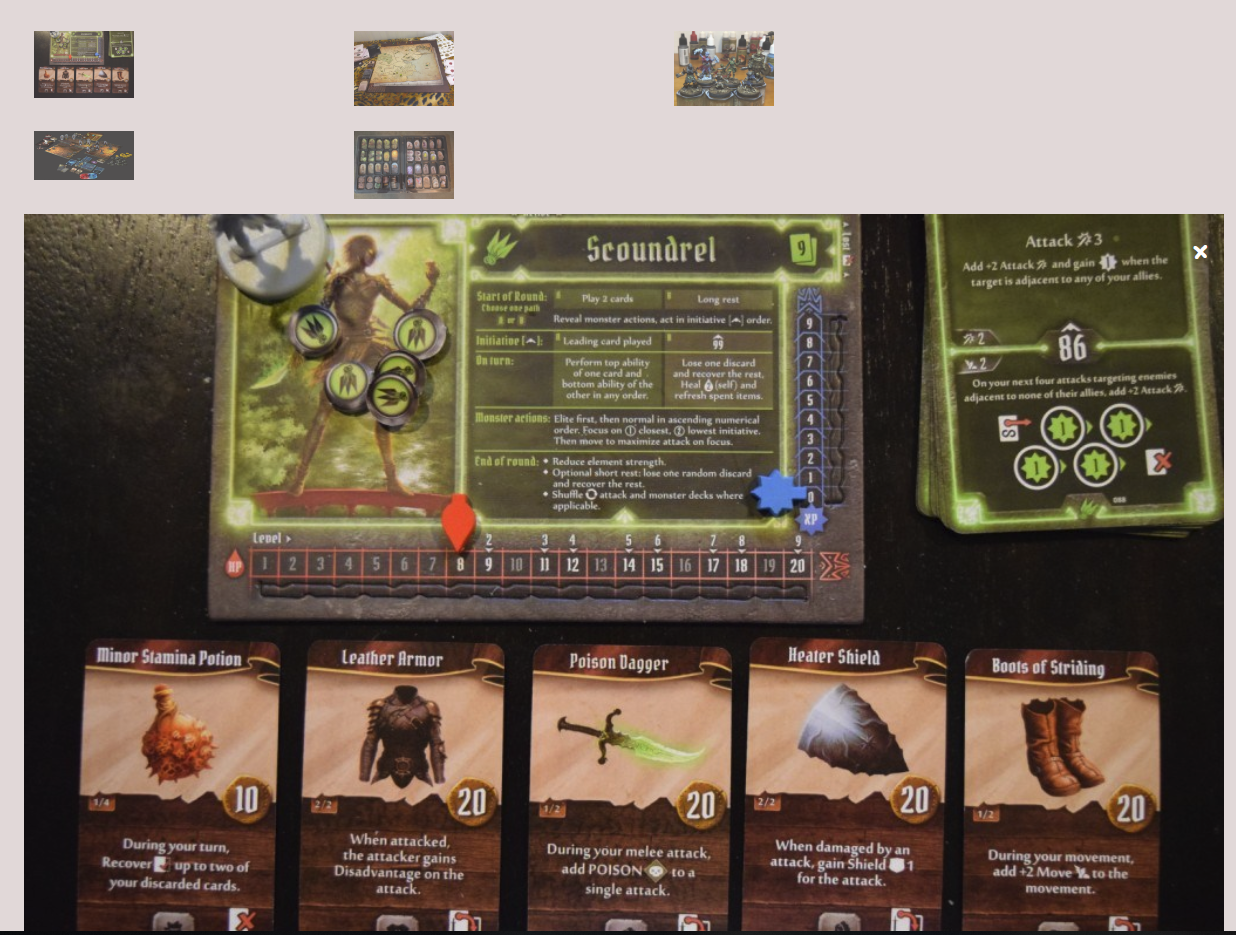
I was able to successfully decide on and implement my dynamic content for this week’s milestone. I added a image gallery to each of the review pages on my site. The JavaScript functionality that I added was the ability to enlarge each of the thumbnails in the gallery by clicking on the thumbnail. Now once the picture is enlarged, you can click anywhere on the enlarged picture to close it or the “X” in the top right hand corner. Below is a screen shot.
Code Example
HTML
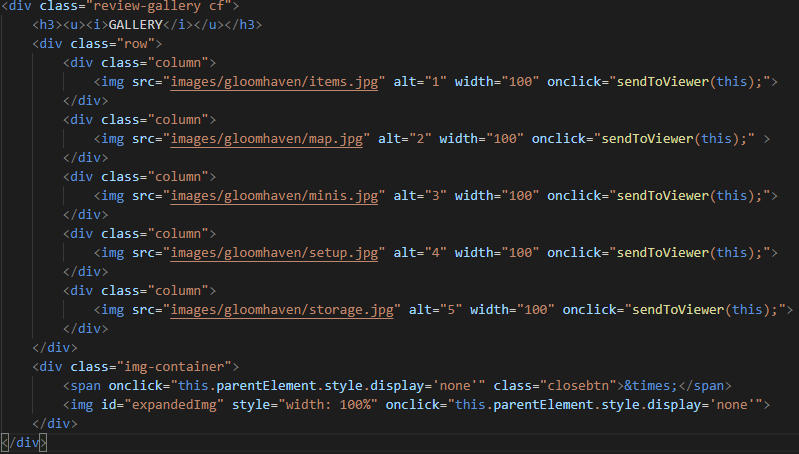
I created two containers, one for the gallery items and one for the space which will contain the expanded version of the image from the gallery. I created a parent div within the container with the class “row”, and child divs with the class column inside. Each column div contains an image and I set each image with a width of 100px. Additionally I added an onclick property to each image using a JavaScript function which I called “sendToViewer”. Send to viewer takes one argument which is simply “this”, meaning that once the image is clicked, that image is “this” and sent to the function. Below is my code example:
JavaScript
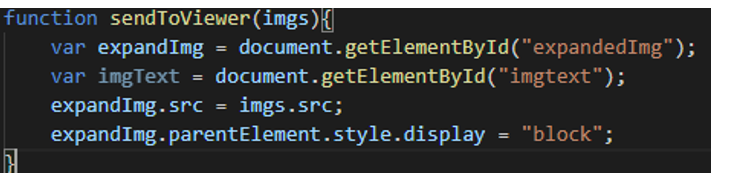
In JavaScript I created a function called “sendToViewer” and it takes one argument which is the image clicked on.
 Jordan's CIS363 Course Blog